Hide sensitive customer data from AI agents and teammates
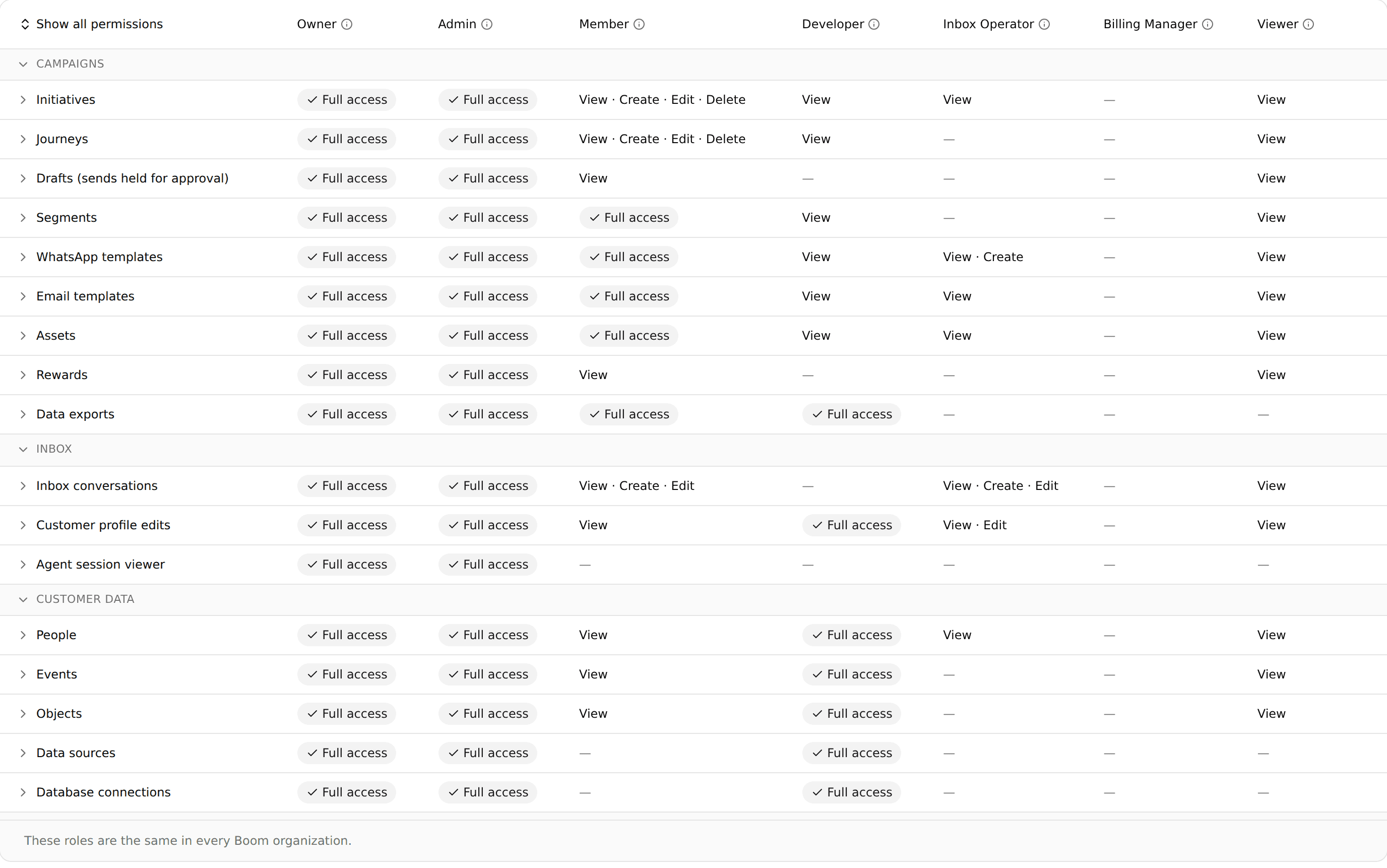
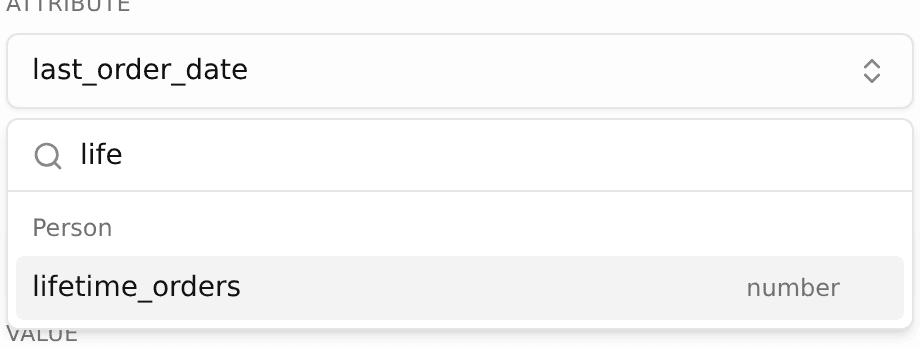
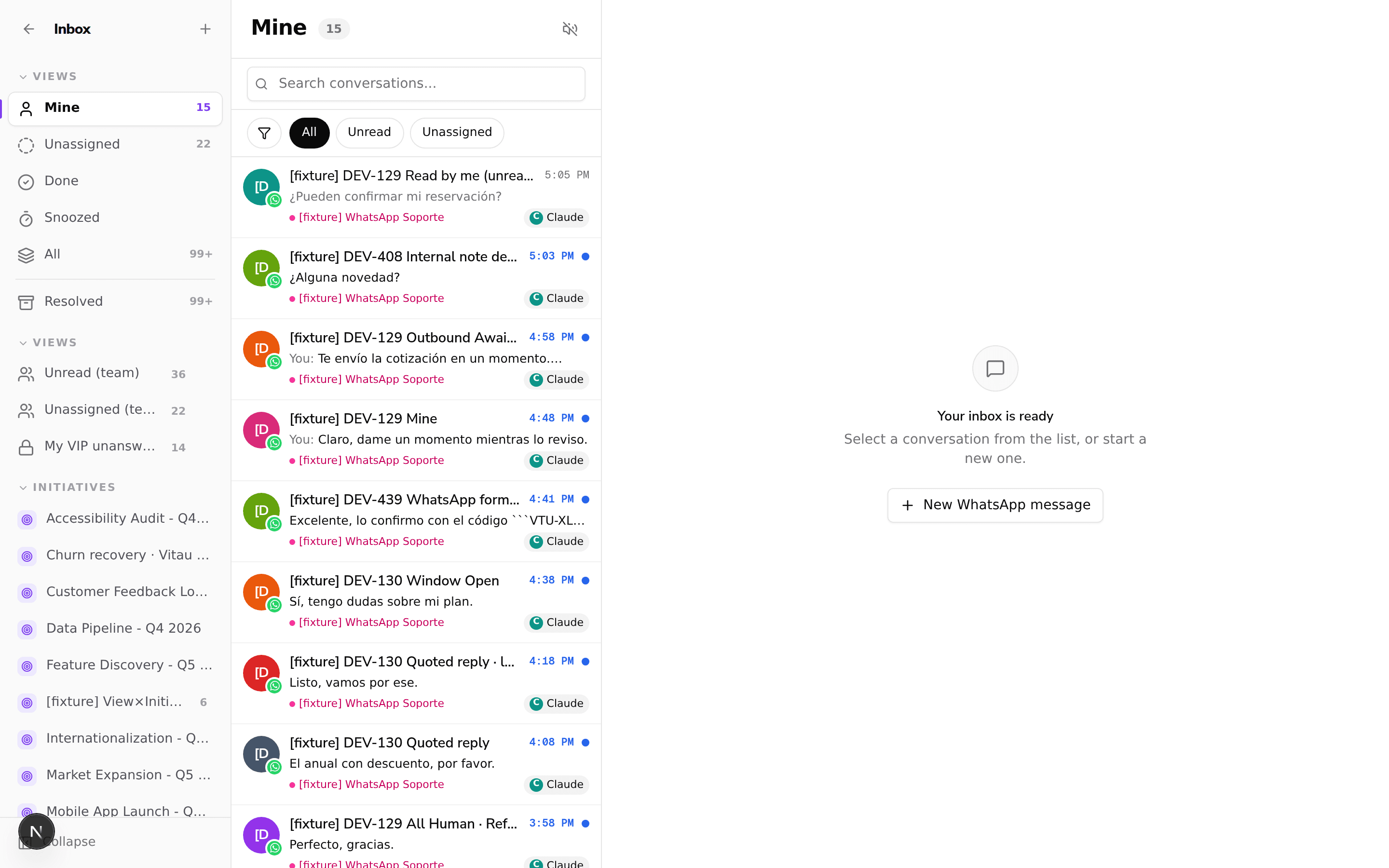
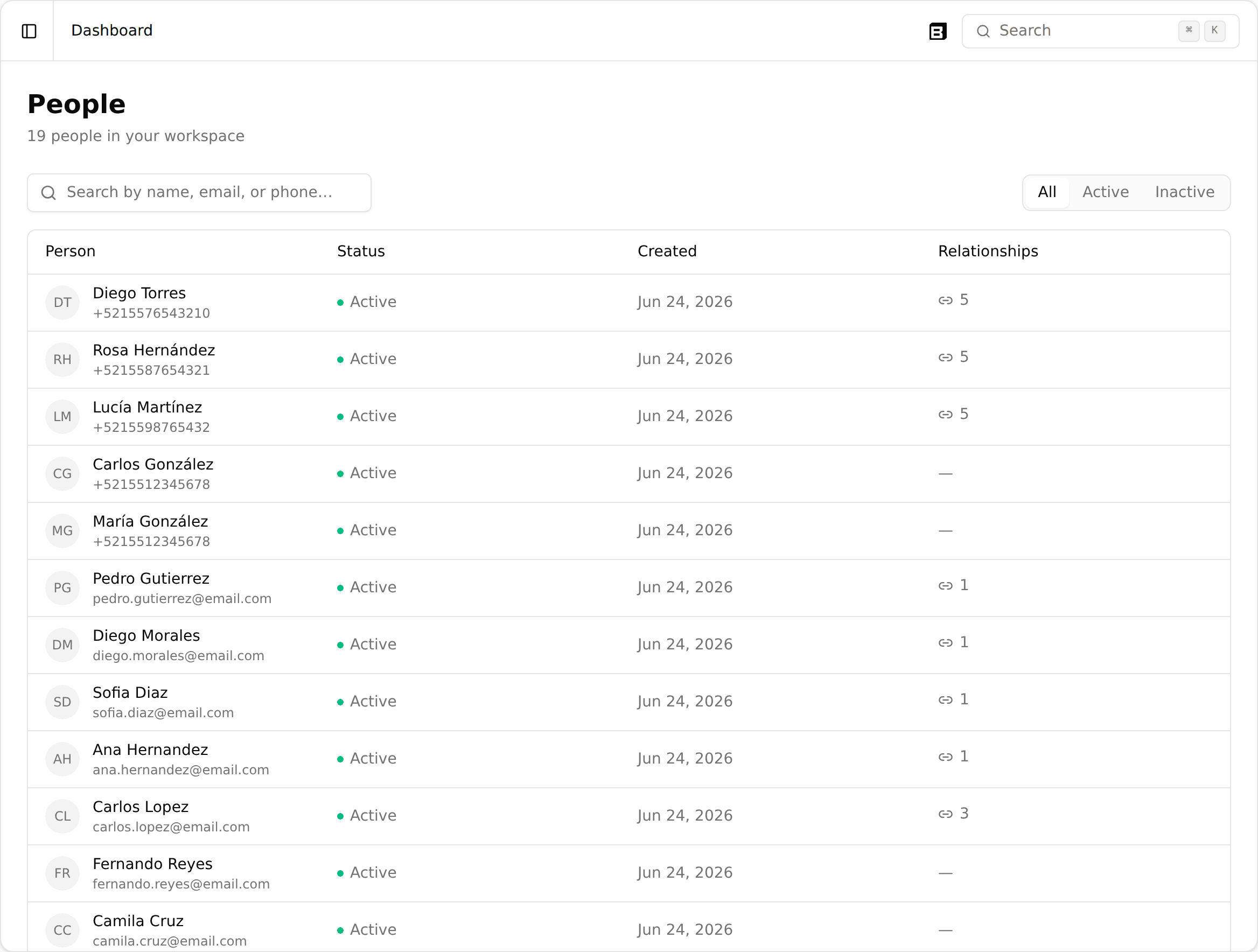
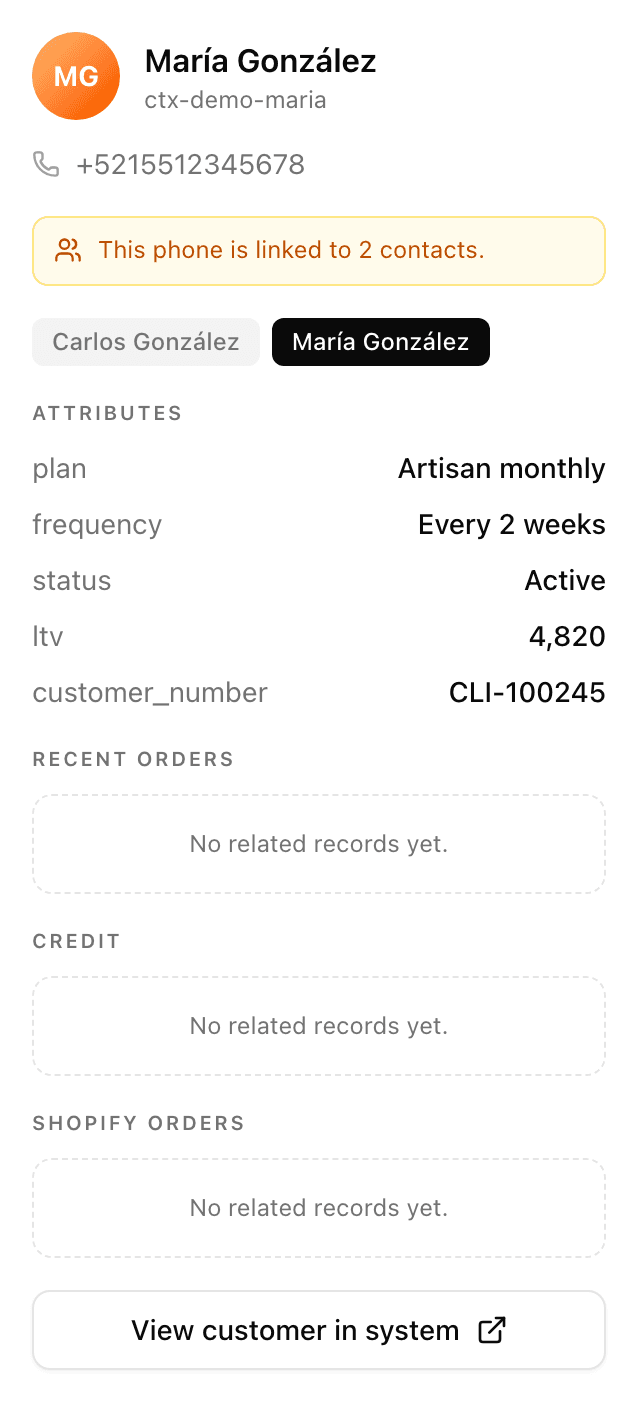
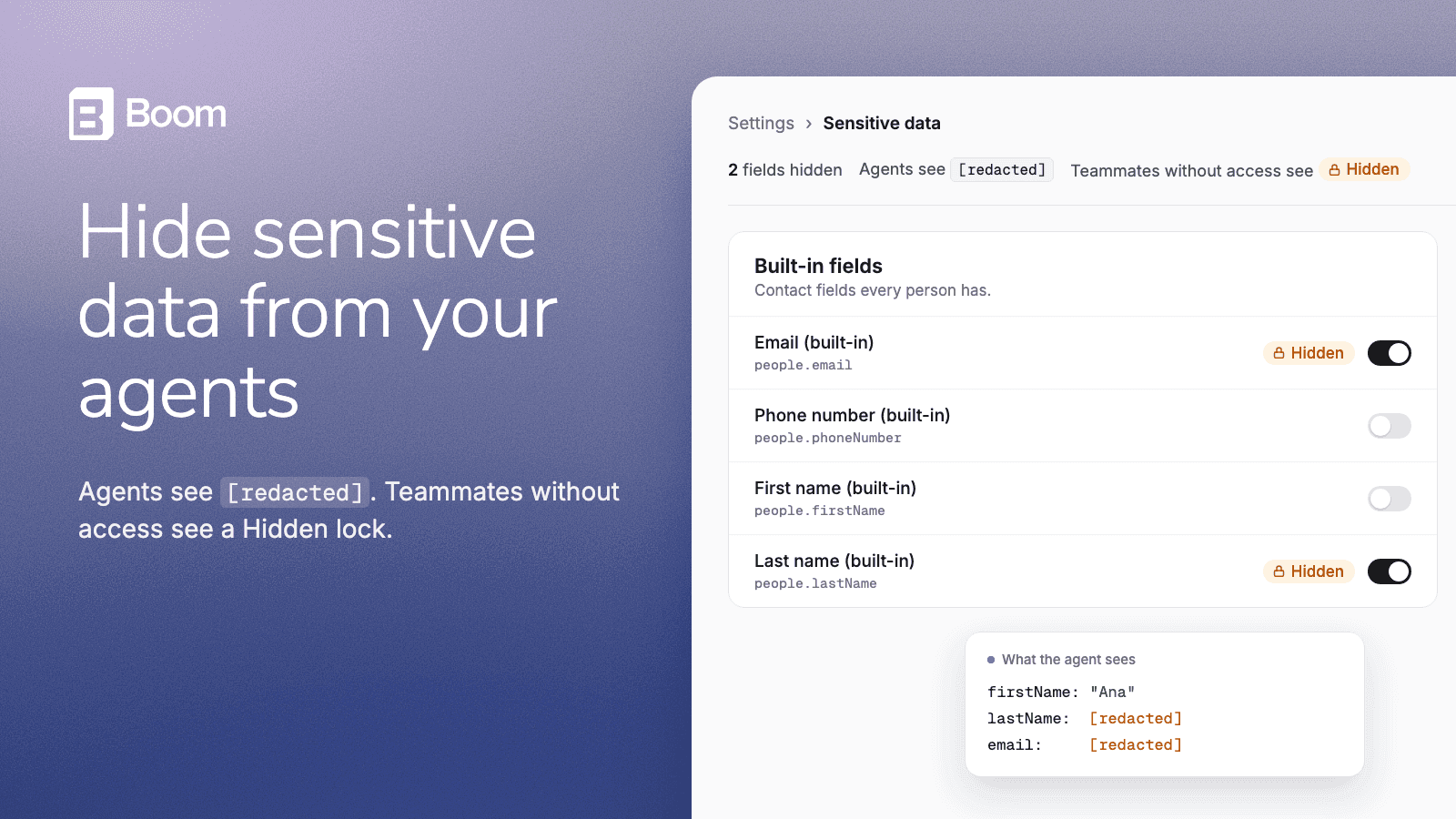
You can now hide sensitive customer fields in Settings › Sensitive data. AI agents see [redacted] instead of the value and never ask for it, and teammates without access see a Hidden lock. Owners, Admins and Developers still see the real value.
A hidden field is still stored and keeps working in segments and messages. You can hide contact fields, people attributes and custom object attributes. Sensitive data is turned on per workspace. See how it works.